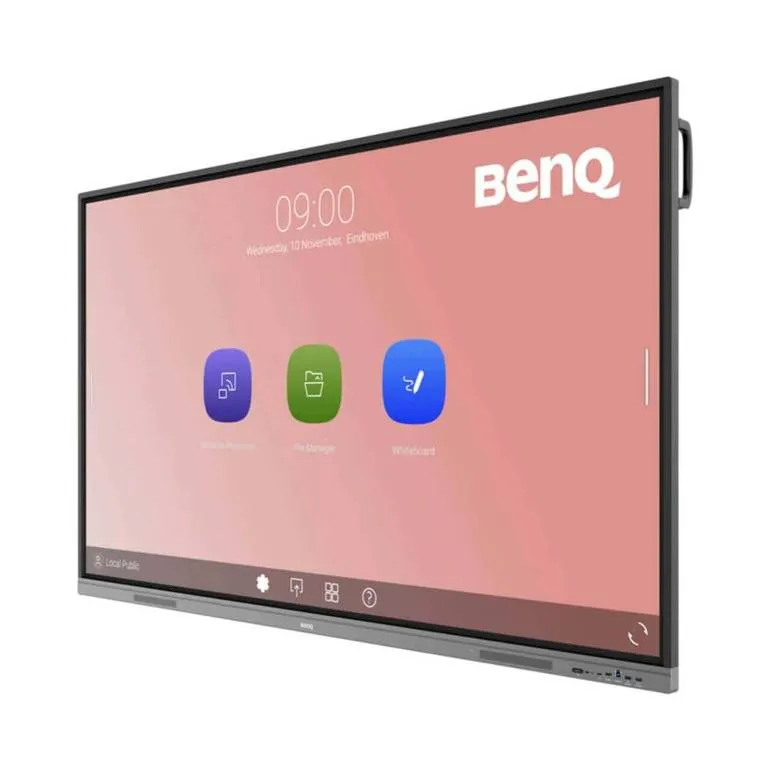
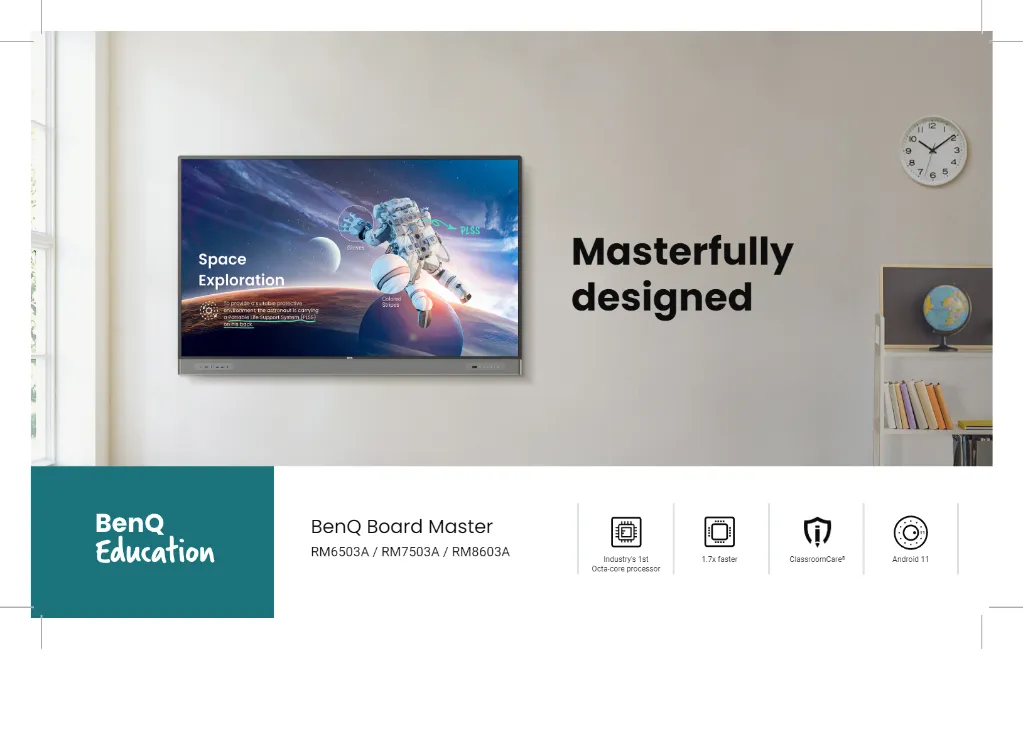
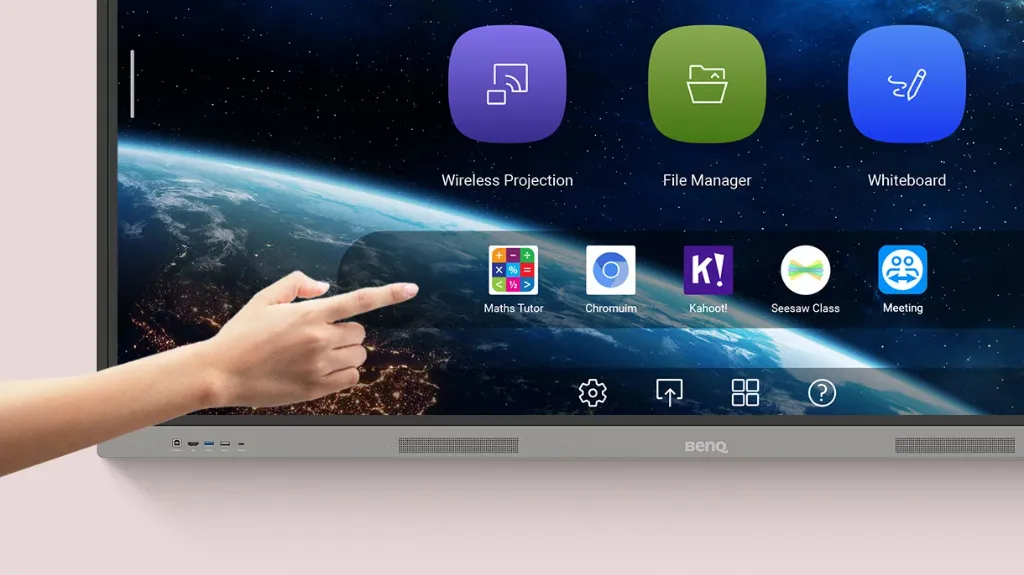
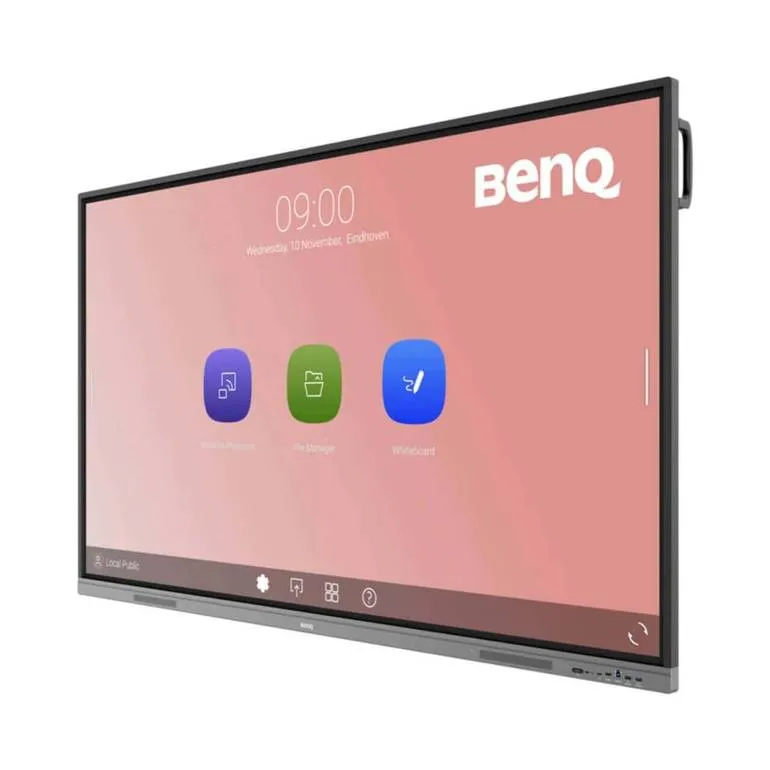
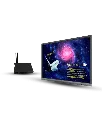
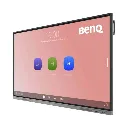
Every student has the potential for greatness. The BenQ Board Essential RE03A is the perfect classroom tool to help them hone it.

A new kind of whiteboard
Elevate learning with EZWrite, a dynamic whiteboard brimming with the tools you need to make classes more engaging. Open a variety of lesson files, save your progress for future reference, and export them to share with students when you’re done. Plus, EZWrite lets students join in from anywhere.
Learn more about the EZWrite 6 interactive whiteboard
Change the way you share
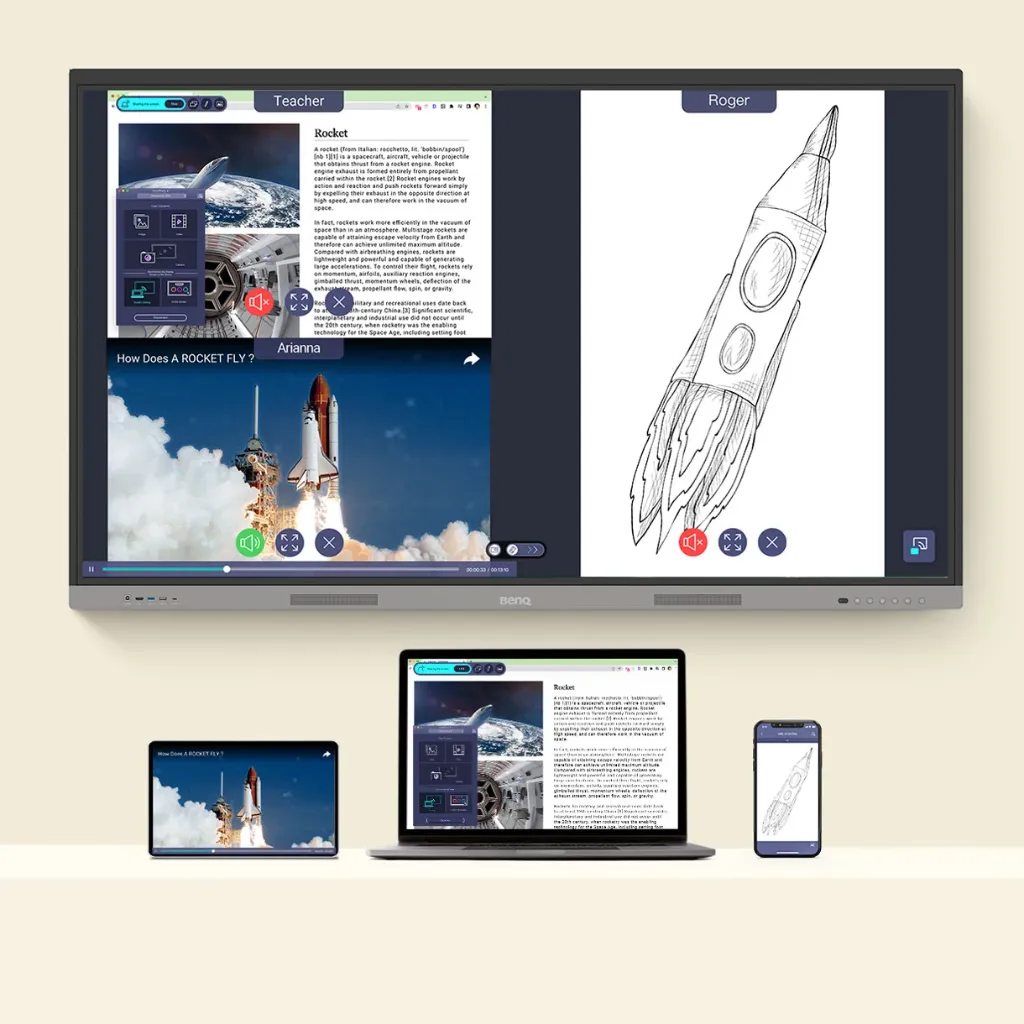
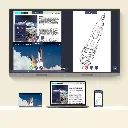
No HDMI cable? No problem. Wirelessly share content to the RE03A from anywhere in the room. Display lesson materials from your laptop or let students share their screens with InstaShare 2.
Learn more about InstaShare 2 wireless screen sharing
![]()
Teaching made simple
The RE03A comes out of the box with handy tools that make your job as a teacher easier.
Your files, your way
Seamlessly teach with your lesson materials stored on Google Drive, and then save them back to the cloud so you can access them at any time.

Widgets
Add widgets such as sticky notes, a calendar, and more to show information essential to you and your students.

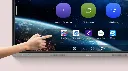
Favorites
Have your most-used apps right on the home screen for more efficient lessons.

Write naturally and effortlessly
Let multiple students work on the display at the same time easily and intuitively with the BenQ Board Essential.
Take notes anywhere
Use the built-in Floating Tool to write on any app, website, document, image, or take screenshots and record videos.

![]()
![]()
![]()
All the essentials on hand
A single tap gives you access to the sidebar, where you can conveniently switch between apps, start whiteboarding, return to the Home screen, and more.
Exceptional sound
Powerful ports
![]()
Built for IT managers
BenQ’s comprehensive management ecosystem makes maintaining devices, apps, and user accounts simpler than ever, helping IT and admin staff save time and improve efficiency.
Keep users in sync
Streamline account management by syncing with your user lists on Google Workspace, Microsoft Entra ID (formerly Azure Active Directory), ClassLink, AD/LDAP servers, or other SAML-based identity providers.

Manage from anywhere
Remotely push firmware updates, install apps, and set policies for BenQ Boards with ease. You can even set startup and shutdown times, all from a single dashboard.

Protect your data
Fortify your school’s displays with secure login modes, customized access, user-based data partitioning, and app scanning with Google Play Protect.

Gain insight with in-depth analytics
Get more out of your BenQ Boards with detailed analytics on device and app usage. Select specific boards and data points to create comprehensive reports for more informed decision-making.

Keep your school informed
Send real-time or scheduled announcements to your BenQ Boards with X-Sign Broadcast. Ensure that everyone is updated on school events, safety protocols, and emergencies.

Respect Cultural Traditions with Ease
Automatically display accurate prayer reminders across classrooms with the Prayer Time feature in X-Sign Broadcast.
Learn more about Prayer Time
![]()
![]()
ClassroomCare®
Prioritize student and teacher health
The RE03A provides a healthier environment for learning and teaching with its essential ClassroomCare® features.
Learn more about ClassroomCare technologies
Safeguard your vision
Students and teachers can rely on the RE03A’s eye care features to protect their eyesight. BenQ uses low blue light and flicker-free technologies to reduce eye strain while the anti-glare 4K screen delivers sharp, clear images.
TÜV-certified

Flicker-free

Low blue light
Anti-glare
Ward off germs
The Essential board reduces the surface transmission of germs in the classroom. Its touchscreen and pens are made with BenQ’s proprietary formula that is recognized by TÜV to be 99.9% effective against common germs.

Get hands on
With up to 40 touch points, everyone can interact on the RE03A at the same time.
Simply smooth writing
You’ll feel like you’re writing on paper thanks to the zero gap between the board’s glass and panel.
Touch the difference
Precision IR touch gives you the most precise writing and touch experience possible.